

Aura for Executive Assistants
You run an executive's day from a desk that never sees the road. Aura runs it with you. She reads the calendars you choose, notices what no longer fits, and carries the conversations you hand her, from your own account, in your name.
The Day, Understood
Connect the work account your executive's calendar is already shared with, then choose the calendars Aura may read, and for whom. From those she reads the day the way you would: where each meeting is, how long it takes to get there, whether the next one is possible, and when a car has to move because a flight did. Calendars you do not choose are never read, and nothing on the calendar itself is changed.

Conversations, Delegated
Hand Aura the errands that eat an afternoon: find a time with another assistant, move a meeting, ask a vendor a question. She writes the note, brings it to you for a yes, and sends it from your own email account. When the reply comes back she reads it against the day and brings you a decision, not a thread to reread.
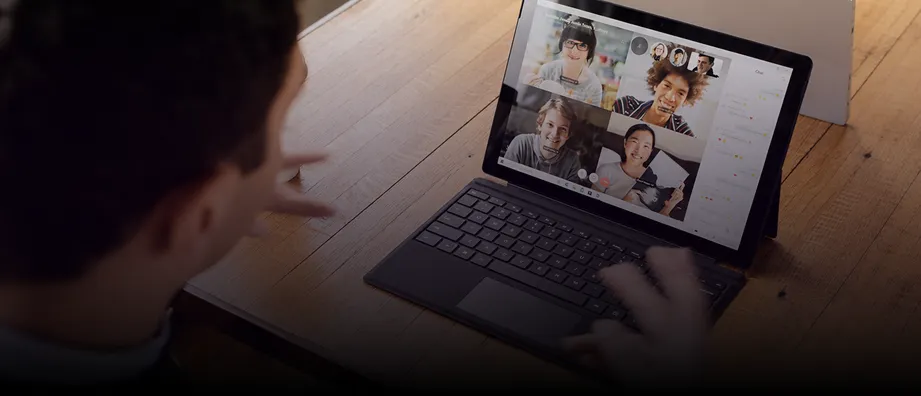
Sent From Your Account

Your Office on Copy
.webp)
A Decision, Not a Thread
Privacy First, By Design
Aura does not read your inbox. The permission she asks for on email is to send, nothing more. She sees only the calendars you chose and the conversations you gave her. Every permission is explicit, shown to you by Google or Microsoft in their own words, and yours to revoke in the app at any time. Disconnect, and the calendar copy and the keys are gone at once.
What She Sees
The calendars you chose, for the executives you named. The conversations you delegated. Nothing else.

What She Never Does
Read your mailbox. Change a calendar. Say a thing is handled before it is. Nothing goes out without your yes, unless you have told her a kind of matter needs no asking.
Yours to Grant, Yours to Revoke